Minecraft Commands List: The Most Useful Commands (Java)
The most useful Minecraft Java commands with examples: game mode, time, weather, teleport, give, effects, keep inventory, locate structures and more.
Commands let you change almost anything in a Minecraft world: the time, the weather, your game mode, your items, even where structures are. This list covers the Minecraft commands players use most, with ready-to-copy examples for Java Edition.
How to use commands
- Open the chat with T, or with / to start a command directly.
- Type the command and press Enter.
- Press Tab while typing to autocomplete names of players, items and blocks.
Commands need cheats on. In singleplayer, turn on Allow Cheats when you create the world, or open the world to LAN with cheats allowed (Esc → Open to LAN). On a server, only operators can use them.
Who the command affects: target selectors
| Selector | Means |
|---|---|
@s | Yourself |
@p | The nearest player |
@a | All players |
@r | A random player |
@e | All entities (mobs, items…) |
You can filter them: @e[type=minecraft:zombie,distance=..20] means every zombie within 20 blocks.
Game mode, time and weather
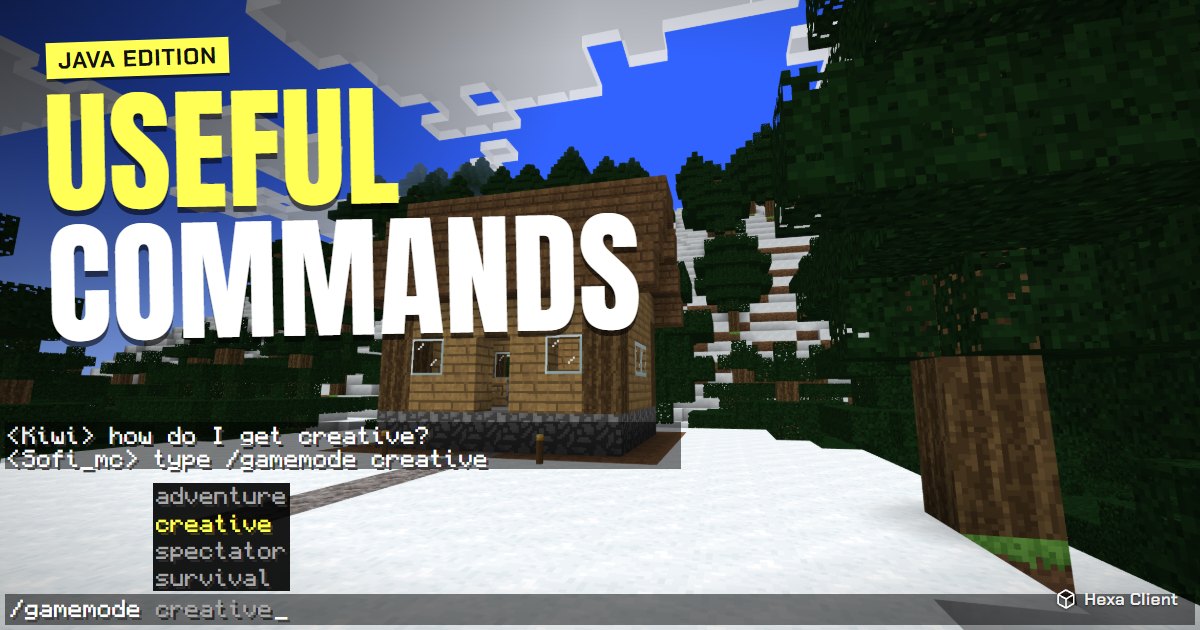
/gamemode creative— fly and build with every block. Alsosurvival,adventureandspectator./time set day— morning. Alsonight,noonandmidnight, or a number like/time set 1000./weather clear— stop the rain. Alsorainandthunder./difficulty peaceful— no hostile mobs. Alsoeasy,normalandhard.
Moving around
/tp @s 100 64 -200— teleport to X 100, Y 64, Z -200./tp @s Steve— teleport to a player./spawnpoint— set your respawn point where you stand./setworldspawn— move the world's spawn here.
Want to see your coordinates all the time? Press F3, or use a coordinates HUD like the one in Hexa Client.
Items and experience
/give @s minecraft:diamond 64— 64 diamonds./give @s minecraft:diamond_pickaxe— one diamond pickaxe./enchant @s minecraft:efficiency 5— enchant the item in your hand (up to its normal maximum level)./xp add @s 30 levels— 30 experience levels. In 1.8.9 and 1.12.2:/xp 30L./clear @s— empty your inventory.
Effects
/effect give @s minecraft:night_vision 99999 0 true— see in the dark, without particles./effect give @s minecraft:speed 60 1— Speed II for 60 seconds./effect clear @s— remove all effects.
In 1.8.9 and 1.12.2 there is no give: /effect @p speed 60 1.
Game rules
/gamerule keepInventory true— keep your items when you die./gamerule doDaylightCycle false— freeze the time of day./gamerule doWeatherCycle false— keep the current weather./gamerule doFireTick false— fire does not spread.
Finding things
/locate structure minecraft:village_plains— the nearest plains village (1.19 and newer; in older versions/locate Village)./locate biome minecraft:cherry_grove— the nearest cherry grove (1.20 and newer)./seed— show the world seed, to share or look it up on a map.
Building helpers
/fill 0 64 0 10 70 10 minecraft:stone— fill a box between two corners with stone./fill 0 64 0 10 70 10 minecraft:air— clear that box./clone 0 64 0 10 70 10 20 64 0— copy a box to another place./summon minecraft:lightning_bolt ~ ~ ~— lightning where you stand (~means your position).
Keep playing
Commands are great for testing builds and fixing mistakes. When you are ready for survival again, learn where to find diamonds, how to make a Nether portal, or how to play with friends.
Frequently asked questions
How do I turn on cheats in an existing world?
Open the world, press Esc, choose Open to LAN, turn on Allow Cheats and start the LAN world. Cheats stay on until you leave.
What is the command to keep your inventory?
/gamerule keepInventory true. In the newest versions, type /gamerule and press Tab to check the rule's exact name.
Why does my command say "Unknown command"?
Cheats are off, you are not an operator on the server, or the command is written for another version. Press Tab while typing to see what your version accepts.
Do commands disable achievements?
Not in Java Edition: advancements keep working with cheats on. In Bedrock Edition, turning on cheats disables achievements for that world.