How to Install Texture Packs in Minecraft Java (Step by Step)
How to install texture packs (resource packs) in Minecraft Java on Windows, Mac and Linux: where to download them, the resourcepacks folder and common errors.
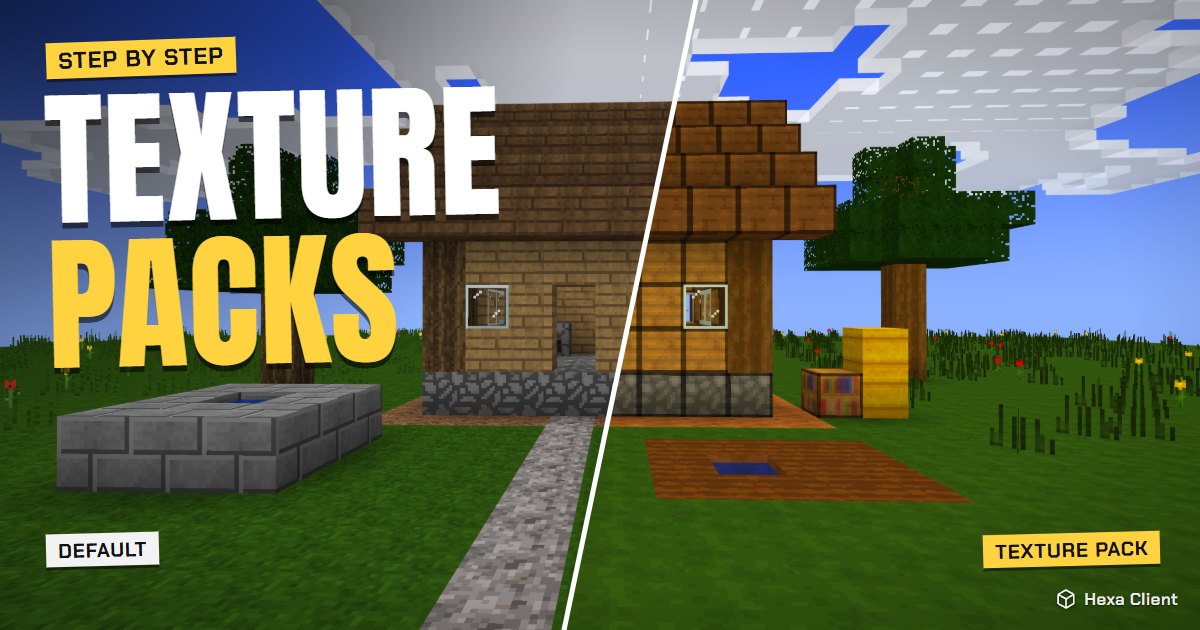
A texture pack changes how every block, item and mob looks, from a cleaner version of vanilla to a completely new style. In Minecraft Java Edition they are called resource packs, and installing one takes less than two minutes. Here is how to install texture packs in Minecraft, where to find good ones, and what to do when one does not show up.
Step 1: download a texture pack
Download packs only from well-known sites: Modrinth, CurseForge and Planet Minecraft. A texture pack is always a .zip file. If you are offered a .exe or a .jar, it is not a texture pack: do not open it.
Check two things on the pack's page:
- The Minecraft version it was made for (for example 1.21 or 1.8.9).
- The resolution: 16x is vanilla's own size, 32x is sharper, 64x and up are very detailed and need a stronger graphics card.
Step 2: open the resource packs folder
- Start Minecraft and open Options → Resource Packs.
- Press Open Pack Folder. A window opens on the
resourcepacksfolder.
You can also find it by hand:
- Windows: press Win + R, type
%appdata%\.minecraft\resourcepacksand press Enter. - macOS: in Finder press Cmd + Shift + G and go to
~/Library/Application Support/minecraft/resourcepacks. - Linux: open your home folder, show hidden files (Ctrl + H) and go to
~/.minecraft/resourcepacks.
Step 3: move the pack into the folder
Drag the .zip file into the resourcepacks folder. Do not unzip it: Minecraft reads the zip directly. (Some downloads come as a zip that contains another zip; in that case, move the inner one.)
Step 4: turn it on in the game
- Go back to the Resource Packs screen: the new pack appears on the left, under Available.
- Hover over it and press the arrow to move it to Selected on the right.
- Press Done. The game reloads its textures for a few seconds.
Packs at the top of the Selected list win over those below. You can stack a full pack with a small one (for example a custom sky) as long as the small one is on top.
Installing texture packs with Hexa Client
Hexa Client has a Texture packs page in the launcher: search packs from Modrinth, install one with a click and it lands in the right folder for that Minecraft version. Each version keeps its own packs, so your 1.8.9 PvP pack never gets mixed with your 1.21 survival pack.
On a weak PC, Hexa can also make a light copy of a 128x or 256x pack at 64x. It keeps the pack's look but uses a fraction of the video memory. Learn more in Minecraft on a low-end PC.
Common problems
"Made for an older/newer version of Minecraft"
The pack was made for another version. Most of it usually still works; press Yes and try. Missing or purple-and-black textures mean the pack does not cover the blocks of your version.
The pack does not appear in the list
- It is still a folder inside another folder: open the zip and make sure
pack.mcmetais at its top level. - It is in the wrong
resourcepacksfolder. Each launcher or installation can have its own; use Open Pack Folder from the game to be sure.
The game got slower
High-resolution packs (128x and up) use a lot of video memory. Pick a 32x version of the same pack or read how to get more FPS in Minecraft.
Texture packs and shaders are different
Texture packs change what things look like; shaders change the light: real shadows, reflections in the water, moving leaves. They are installed differently. See how to install shaders in Minecraft.
Frequently asked questions
Are texture packs and resource packs the same?
Yes. Since Minecraft 1.6 they are called resource packs, and they can also change sounds, fonts and languages, not only textures.
Do texture packs work on servers?
Yes. A texture pack only changes what you see on your screen, so you can use it on any server. Some servers also send you their own pack when you join.
Can a texture pack give me a virus?
A real texture pack is a .zip with images and text files, which cannot run anything. Only download from known sites and never open an .exe that claims to be a texture pack.
Why are some blocks purple and black?
That is Minecraft's "missing texture". The pack has a broken or missing image for that block, usually because it was made for another version.