Minecraft Not Opening? 9 Fixes for Crashes and Black Screens
Minecraft Java not opening, crashing on start or stuck on a black screen? Nine fixes that work, from graphics drivers and Java to mods, memory and corrupted files.
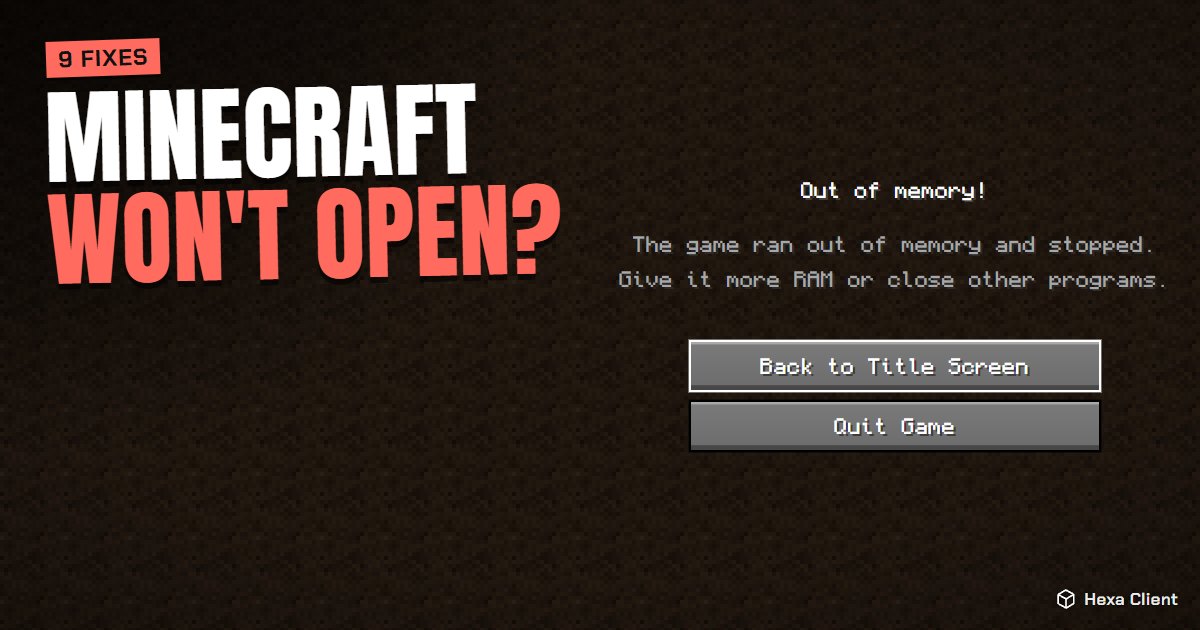
You press Play and nothing happens. Or the window opens, goes black and closes. Or you get "Exit code 1". When Minecraft is not opening, the cause is almost always one of a handful of things. Go through these fixes in order: most players are back in the game by step 3.
1. Update your graphics driver
The most common cause, above all with errors that mention OpenGL, "Pixel format not accelerated" or a black screen.
- NVIDIA: install the latest driver from nvidia.com or the NVIDIA app.
- AMD: use AMD Software: Adrenalin Edition from amd.com.
- Intel: use Intel Driver & Support Assistant from intel.com.
Windows Update sometimes installs a basic driver that lacks OpenGL: get the driver from the maker's site.
2. Remove the mod that breaks it
If the game worked before you added mods, a mod is the likely cause. Crash reports often say "Mixin", "mod resolution failed" or name a mod.
- Open your
modsfolder and move the most recent mods out. - Start the game; if it opens, add them back one by one to find the one that fails.
- Check that every mod is made for your exact Minecraft version and the same loader (Fabric or Forge).
3. Use the right Java version
Each Minecraft version needs a certain Java: Java 8 for 1.16.5 and older, Java 17 for 1.18 to 1.20.4, Java 21 for 1.20.5 and later, and newer releases need newer Java still. An error like "UnsupportedClassVersionError" means the wrong Java. Let the launcher use its own Java instead of one you installed by hand. More in Minecraft Java system requirements.
4. Fix the memory (RAM) setting
- "OutOfMemoryError": the game needs more memory; give it 3–4 GB.
- The game does not start at all after you raised the RAM: you gave it more than your PC can spare. Never give Minecraft more than half of your total memory.
5. Repair corrupted game files
A download cut in half leaves broken files. In the official launcher, delete the version in Installations and start it again so it re-downloads. In Hexa Client, use Repair: it checks every file and re-downloads the broken ones without touching your worlds.
6. Reset your settings
A bad setting (a huge render distance, a resolution your screen does not support) can crash the game on start. Rename options.txt in your Minecraft folder to options-old.txt and start again: Minecraft creates fresh settings. Your worlds are not affected.
7. Let your antivirus allow Java
Some antivirus programs block javaw.exe or quarantine game files. Add the Minecraft (or Hexa Client) folder to your antivirus exceptions and try again.
8. Restart, update Windows and free space
It sounds simple, but it fixes many cases: restart the computer, install pending Windows updates, and make sure you have at least 2 GB of free disk space, which Minecraft needs to unpack its files.
9. When the launcher itself does not open
- Reinstall the official launcher from minecraft.net.
- On Windows, the Microsoft Store version needs the Xbox app and Gaming Services up to date.
- Try another launcher: Hexa Client installs and starts the game on its own, with no Store or Xbox app needed.
How Hexa Client helps when the game crashes
When the game stops with an error, Hexa Client reads the crash report for you and explains the likely cause in plain words: not enough memory, a mod conflict, the wrong Java, an outdated graphics driver or broken files, with what to do about it. Its help center also has a page for when the game does not start.
If the game opens but runs badly, read how to get more FPS in Minecraft.
Frequently asked questions
What does "Exit code 1" mean in Minecraft?
It means the game closed with an error. The real cause is in the crash report or logs/latest.log; most often it is a mod, the wrong Java version or the graphics driver.
Why does Minecraft show a black screen and close?
Usually an outdated or missing graphics driver, so the game cannot use OpenGL. Install the latest driver from NVIDIA, AMD or Intel.
Will reinstalling Minecraft delete my worlds?
Reinstalling the launcher does not delete worlds, but deleting the .minecraft folder does. Copy the saves folder somewhere safe first.
Minecraft says my account cannot play. What do I do?
Make sure you sign in with the Microsoft account that bought Minecraft: Java Edition, and that it has an Xbox profile. Signing out and in again fixes most sign-in errors.